![workcast_logo_orange-01.png]](https://insite.workcast.com/hs-fs/hubfs/workcast_logo_orange-01.png?height=50&name=workcast_logo_orange-01.png)
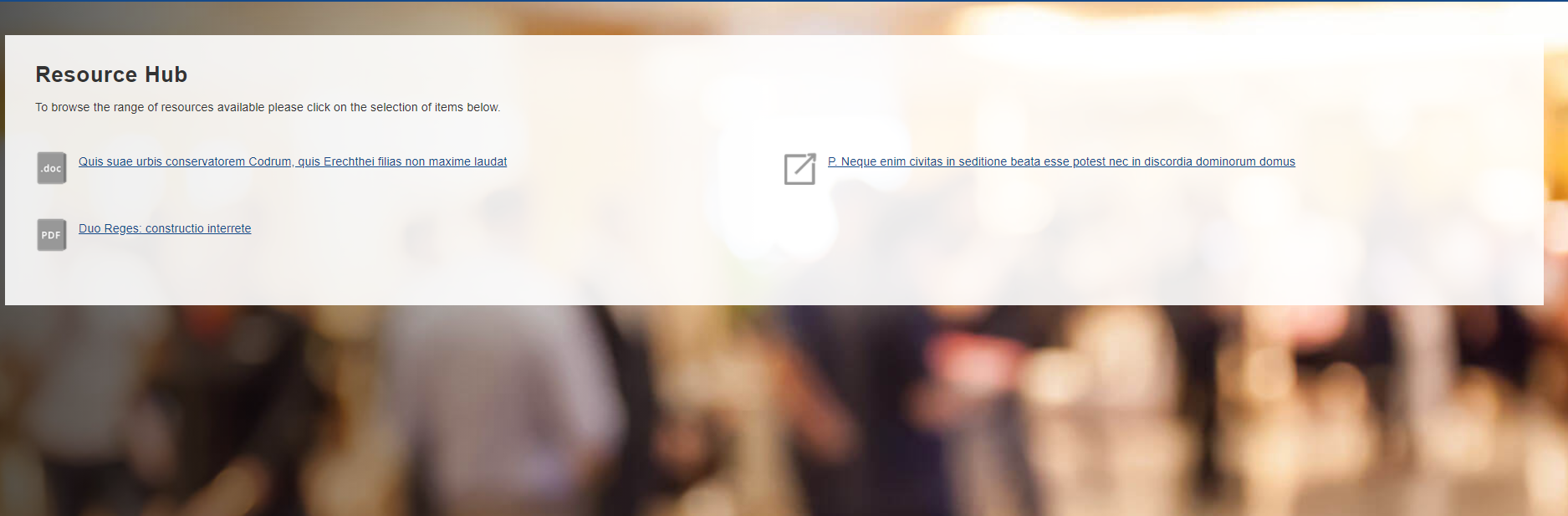
How to set-up your page content
You can add page content to show alongside your media using the following fields on the Resource event session/page. This could be an overview of your available resources, for example.
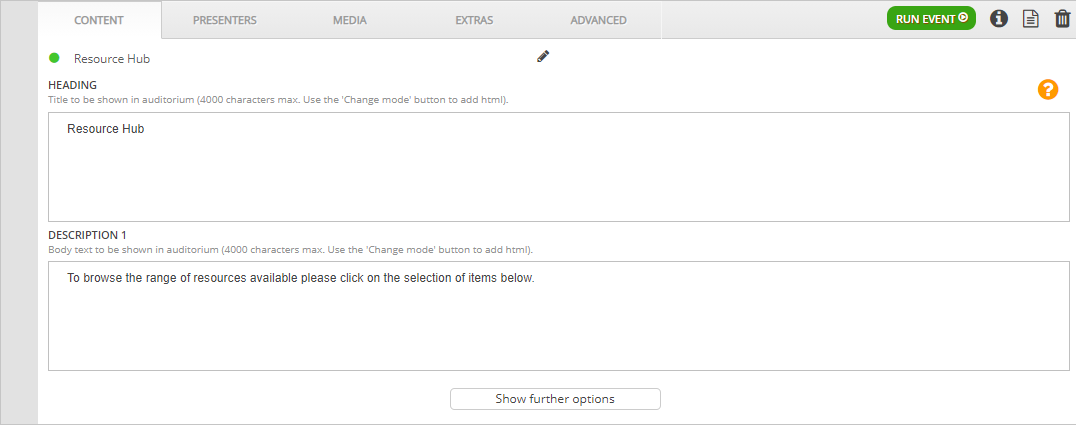
- Heading
- Description 1
- Description 2
- Description 3
Please see the content editor page for guidance on adding your text.
| Remember: Click Save and Publish Draft |
How to set-up your filter
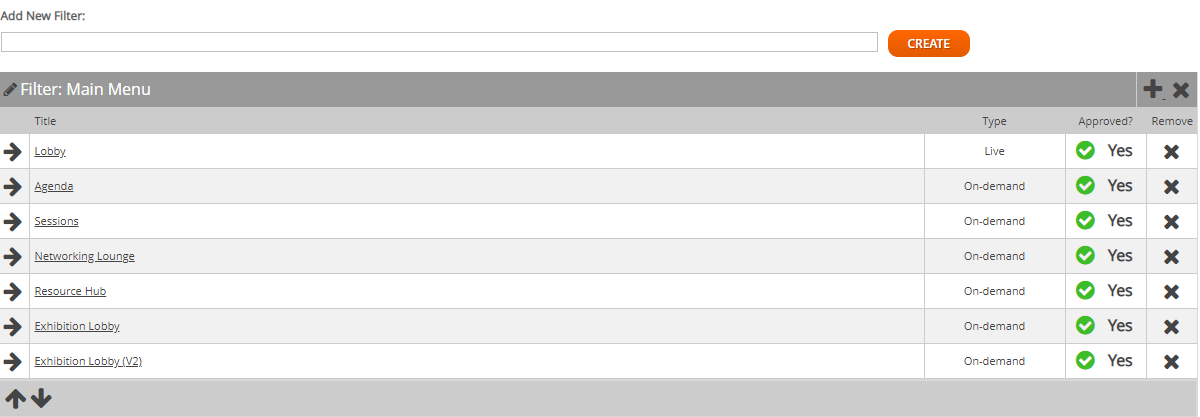
Navigate to the Main Menu or Footer Link section in the Filters tab. Here, you can add your Resource Hub event session/page, depending on where you’d like it to show.
To add an event session/page to your filter, simply click the Plus icon, and search for your session. If you do not know the name of your event session/page, just click Search and you will see all available event sessions. Please add the Resource Hub template.
View this article if you are unsure how to add event sessions /pages
| Remember: If you make any edits to the filters, remember to refresh filter changes! |
What else can I add?
- Extras such as Polls and Documents & Links